Second Life Places · · 9 min read
Where to Go in Second Life: A First-Week Plan (2026)
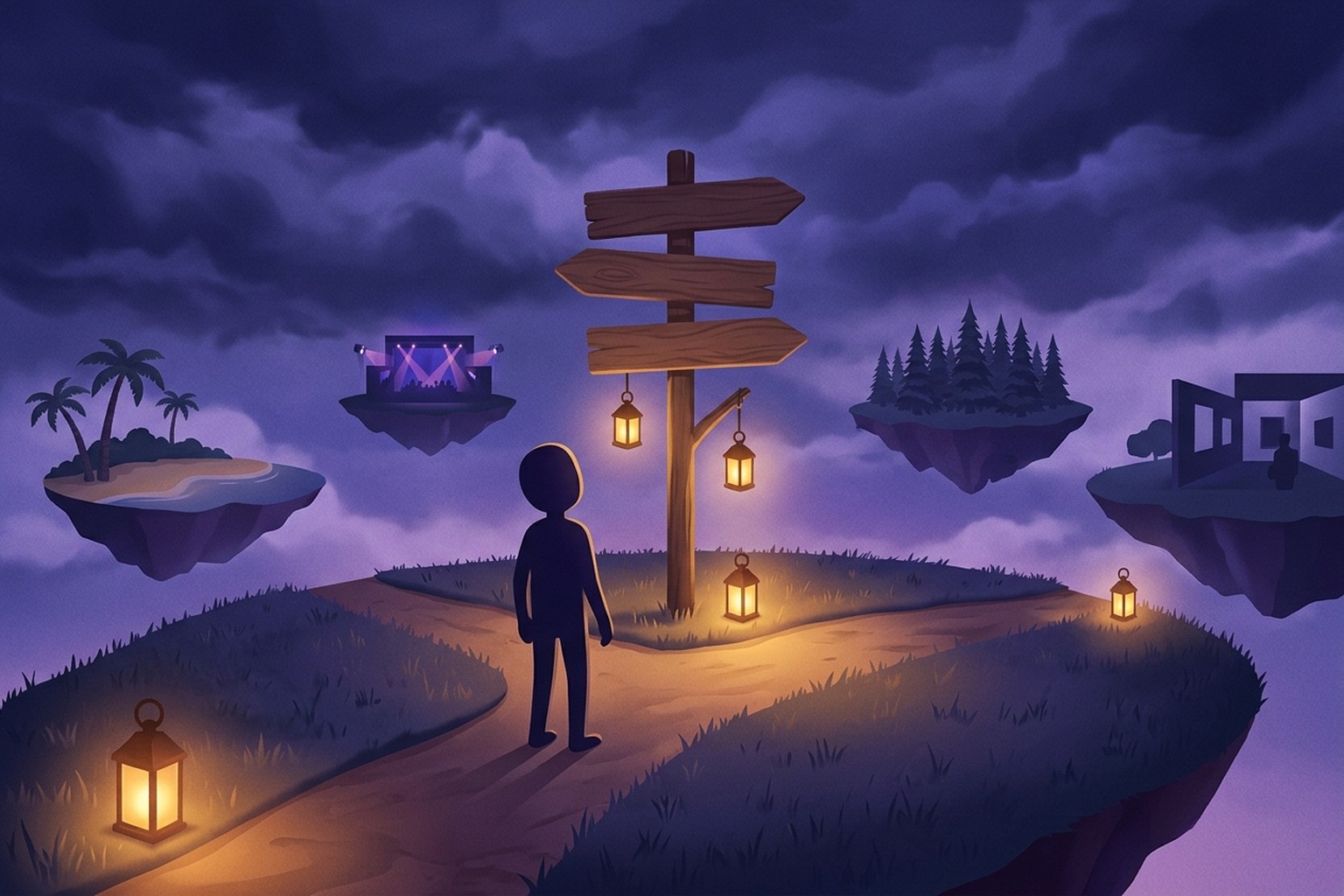
Where to go in Second Life depends on what you want from your first evening: people to talk to, music, a beautiful place to explore and photograph, a shop for your first look, or a game. The fastest way to decide is to pick one goal, then go where that kind of place is busy right now, not where a list from two years ago says it used to be. This guide gives you a first-week plan by goal, shows how to combine Linden Lab's Destination Guide with a live list, and covers the habits that keep new residents safe.
If you want the wider overview of the most visited kinds of places, start with our hub on popular places in Second Life. This page is the practical version: what to do on day one, day two and onward.
Why "where to go" is harder than it looks
Second Life is a grid of regions built by residents, and places change all the time. A club that was packed last spring may have moved, rebuilt or closed. That is why most "best places" articles go stale within weeks: they name venues, and venues come and go.
Two things solve this: a curated directory tells you a place is worth seeing, and a live crowd count tells you whether anyone is there tonight. An empty scenic region is perfect for photos; an empty hangout is pointless. Knowing which you are after is most of the decision.
Coming back after a few years away? Your old haunts may be gone, but the categories have not. If you are wondering whether the grid still has people on it at all, our look at whether Second Life is still active answers that directly. And if you are brand new and still learning what avatars, regions and L$ are, read what Second Life is first, then come back here.
A first-week plan of where to go in Second Life
Treat this as a menu, not a schedule.
Day 1: Meet people (newcomer and hangout places)
Your first stop should be somewhere people expect new arrivals. Newcomer friendly places have regulars and helpers who are used to questions like "how do I sit down?" or "why is my hair a box?". Open the newcomer friendly list and pick one that has a crowd.
Once you can walk, chat and teleport, move on to a general hangout. Hangouts are social spaces where conversation is the point: lounges, cafes, chill zones with a fire pit and a dozen people talking in local chat.
A good first hangout has people actually talking: five residents chatting beats forty standing silently away from keyboard. Watch local chat for a minute after you land, reply in the language most people are using, and talk in local chat before you send anyone a private message.
Day 2: Music and clubs
Music venues are where Second Life comes alive at night. A DJ streams a set, a host keeps the room going, and dozens of avatars dance together. Some venues book live performers who sing and play into a stream.
Browse music and clubs and look at the crowd size: a packed venue has energy but scrolling chat, a smaller room is easier for a first conversation. Turn on music in your viewer to hear the stream, and click the venue's dance ball to join the dance. Tipping the DJ in L$ is customary but not required. Our guide to the best Second Life clubs covers how to pick one.
Day 3: Explore and take photos
This is where Second Life shows off. Residents build landscapes, gardens, ruins, sunsets and underwater worlds purely to be looked at. These photogenic spots are often quiet, which is fine: you are there for the view.
Good places to start:
- Beaches. Sand, water, boats and sunsets. Many beaches double as hangouts, with dance areas and cuddle spots.
- Arts. Galleries, installations and builds that are themselves the art.
- Scenic and photogenic regions. Linden Lab's Destination Guide has a dedicated Photogenic Spots category, plus Nature and Parks, Underwater and Vacation Spots. These are the best Second Life resorts in spirit: built to be wandered.
Photo tip: switch your viewer's environment to sunset, give textures a few seconds to load, and check the landing point for rules before you rez anything.
Day 4: Shop for your first look
Your starter avatar is a beginning, not an ending. Shopping places let you try a demo before you buy: wear it, check the fit, then pay. Creators' main stores, shopping events and freebie areas all show up here. Buy your body and head first, because most clothing is made to fit specific mesh bodies.
Day 5 and beyond: Play
When you have the basics, try something with rules. Games covers skill games, combat areas, racing, mazes and other activity places. If you want a story, roleplay sims are whole communities with a setting and rules of play; our guide to Second Life roleplay sims explains how to join one without stepping on anyone's scene.
How to use the Second Life Destination Guide
Linden Lab runs the Destination Guide, a curated directory of in-world places. You can browse it in any web browser, with no viewer open. When we checked in November 2026 it had dozens of categories, including Newcomer Friendly, Music, Beaches, Photogenic Spots, Cafes and Hangouts, Voice Chat Hot Spots and Role-playing Communities, plus a Featured section with Editor's Picks and Recently Added. Linden Lab says it updates Recently Added often, showing entries added or significantly updated in the last week. Residents can also suggest their own venue for consideration. Each listing has a Teleport link that opens the Second Life map page, which launches your viewer.
Inside the viewer, the official Second Life Viewer also gives you access to destinations: there is a Destinations panel, and Search can show Destination Guide results alongside regular places. Exact buttons differ between viewers and versions, so if you use Firestorm or another third-party viewer, look in its World menu or its Search window.
How to combine it with a live list. Use the Destination Guide to find places worth knowing about, especially scenic and themed ones, and a live list to see which social places are busy tonight. For the live side, see where Second Life is busy right now. Sort by Busiest now for tonight's crowds, Most popular for Second Life's long-term traffic score, or Rising for places busier than usual for this time of day. Filter by category, by rating, or by crowd size (Busy means 10 or more people, Packed 30 or more), or search by place name, region or description.
How to read a crowd count
A crowd count is a snapshot, not a verdict. The same number means different things at different hours: a dozen people in a hangout during a quiet hour is a lively room, while the same dozen at a club on its busiest night means the main event is somewhere else. Busy hours shift with the time zones of each community, so instead of guessing, open the Rising tab: places busier than usual for this time of day are often where something is happening right now.
How to get there: teleporting
Every place on the live list has two buttons:
- Visit in Thunder Viewer. Sign in with your Second Life account and you are teleported straight there in the browser. Nothing to install, and it works on phones too. Our guides to Second Life in a browser and Second Life on mobile explain how that works.
- Open in my viewer. Opens the official Second Life map page, which launches Firestorm or the official viewer on your desktop.
How to save places you like
Second Life has two built-in ways to keep a place:
- Landmarks. In the viewer, choose World, then Landmark This Place (some versions word it Create Landmark Here). The landmark goes into the Landmarks folder in your inventory, and double-clicking it takes you back. Landmarks are private to you.
- Picks. Picks are the favourite places shown on your profile, so other residents can see them. You can turn a landmark into a pick from the landmark's menu. Other residents' Picks are also a great source of new places: open the profile of someone you liked chatting with and see where they hang out.
Safety basics for new and returning residents
Most residents are friendly; the few bad actors rely on newcomers not knowing the rules. Four habits cover most of it.
Never give anyone your password. Linden Lab's own phishing FAQ says it never asks for your Second Life password, card details or other personal information by email. Treat any resident, message or link asking for your password as a scam, even if it seems to come from a friend, since a hijacked account is often used to message the victim's friends. If you think you clicked a phishing link, change your password immediately.
Be careful with links and L$. Do not click links from strangers in IMs, and ignore anyone offering to "double" your L$.
Block or mute anyone who bothers you. In the official viewer, right-click the avatar and choose Block, or right-click their name in the Nearby people list or the Conversations window. Linden Lab's knowledge base says blocking stops their text chat, voice and IMs reaching you, and works both ways. If harassment continues, file an abuse report from the Help menu or by right-clicking the person.
Leave whenever you want. You never owe a place your presence. Teleport to a landmark, or use World, then Teleport Home. Set your home first with World, then Set Home to Here, on land that allows it, such as land you own or an infohub; without a home set, Teleport Home sends you to an infohub.
Where Thunder Viewer fits
Thunder Viewer is a browser-based Second Life client. We keep 100 avatars online around the clock with zero downtime, so we see the grid at every hour, and where people gather changes faster than any written list can follow. That is why the live places list counts crowds every 20 minutes and is readable with no account needed. When something looks good, visit in your browser, nothing to install, or open it in the viewer you already use.
FAQ
Where should I go first in Second Life?
Somewhere newcomer friendly with a crowd. Pick from the newcomer friendly places or the Destination Guide's Newcomer Friendly category, say hello in local chat, and ask how to do the thing you are stuck on. Residents there expect it.
What is the Second Life Destination Guide?
Linden Lab's curated directory of in-world places, organised by category, at secondlife.com/destinations. It is chosen by editors and includes resident-suggested venues. You can browse it on the web or reach destinations from inside the viewer.
What are fun places to go in Second Life?
Music venues and clubs at night, beaches and hangouts for conversation, photogenic regions for exploring, shopping events for your look, and games or roleplay sims if you want something to do. The live list sorts all of these by how busy they are right now.
Where are the best Second Life photogenic spots?
Look at the Destination Guide's Photogenic Spots, Nature and Parks, and Underwater categories, plus the arts and beach places on the live list. Quiet is fine for photos, so a scenic region does not need a crowd.
Are there resorts in Second Life?
Yes. Residents build resort-style regions with beaches, pools, boats and cabins, many open to visitors. Browse the beaches category or the Destination Guide's Vacation Spots, and check the landing point for rules.
For the full picture of the kinds of places busy on the grid, go back to our hub on popular places in Second Life.