Second Life Places · · 11 min read
Popular Places in Second Life: Where Everyone Is Tonight
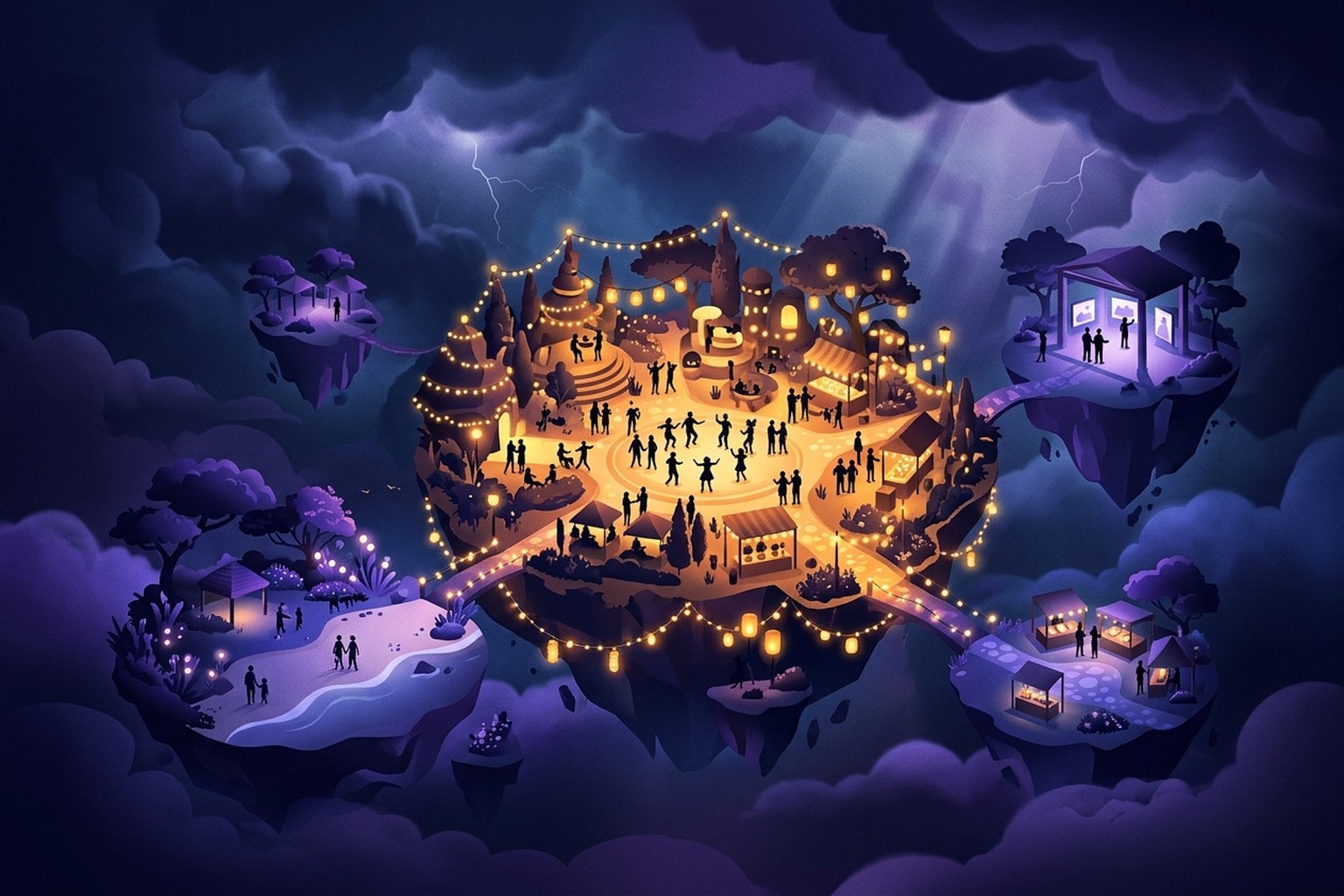
The most popular places in Second Life are the ones with people in them right now, and that list changes every hour. Clubs fill up when their DJ starts a set, roleplay sims wake up when their regulars log in, and a beach that was packed last weekend can be empty on a Tuesday morning. So instead of another static "best of" list that goes stale within weeks, this guide shows you how to find popular places in Second Life tonight, and points you to a list that is always current.
Want the short answer? See where Second Life is busy right now. Live places is a public list of the busiest places on the grid, with crowds counted every 20 minutes. No account needed to browse.
What counts as a popular place in Second Life?
"Popular" means three different things in Second Life, and mixing them up is why so many recommendations disappoint.
Long-term traffic. Second Life keeps a traffic score for every parcel of land. According to the Second Life wiki's traffic article, traffic is measured in avatar-minutes over a 24-hour period, and it is what decides which places appear among Popular Places. A high score tells you a place draws visitors consistently. It does not tell you anyone is there at this moment.
The live crowd. This is the number that matters when you are about to teleport: how many people are standing in the place right now. A club with huge daily traffic can be quiet between events, and a small hangout can be lively at the right hour.
The kind of place. A busy shopping event and a busy dance floor are both "popular", but they are very different evenings. Knowing which kind you want narrows the search faster than any ranking.
A good popular place is one that scores on all three: it draws people over time, it has a crowd when you arrive, and it is the kind of place you were looking for.
Why finding a busy place matters
Second Life is a big world, and most of its regions, at any given moment, are quiet. Someone's home, a store between customers, a build waiting for its owner.
Finding the busy places matters because:
- People make the place. Conversation in local chat, a DJ taking requests, a roleplay scene you can join. None of it happens in an empty region.
- Events are time-bound. A live music set or a contest happens once. Arrive an hour late and you see the aftermath.
If you have been wondering whether anyone is still around, our look at who is still active in Second Life covers the bigger picture.
Types of popular places in Second Life
These are the main categories you will find busy on any given night. Each one links to the matching filter on the live list, so you can see which places in that category have a crowd right now.
Hangouts
Social sims built around conversation: lounges, cafes, chill spaces with seating and music in the background. Local chat is the main event. Busy hangouts right now.
Music and clubs
Dance clubs, live music venues, DJ sets across every genre. Our guide to the best Second Life clubs covers how to pick a club and what to expect on the dance floor. Music and clubs now.
Roleplay
Whole regions built for shared stories: city, fantasy, sci-fi, family, horror. Most have their own rules, character requirements and an arrival area that explains them. Read our guide to Second Life roleplay sims before you jump in. Roleplay sims now.
Shopping
Main stores, marketplaces and shopping events where creators release new items. Shopping now.
Arts
Galleries, installations and builds made to be explored and photographed. These are often calmer, but a gallery opening draws a real crowd. Arts now.
Beaches
Sandy sims with water, dance spots, boats and plenty of places to sit. Beaches now.
Games
Places built around play: contests, arcade games, combat areas and social games. Games now.
Newcomer friendly
Places that welcome new residents, with helpers, freebies or guided starts. If you are new, our guide on where to go in Second Life suggests what to do with your first few visits. Newcomer friendly places now.
How to find busy places in Second Life: three ways
You have three practical tools. Each answers a slightly different question.
1. Search in your viewer, by traffic
Every viewer has a Search window with a Places section.
- Open Search and choose Places.
- Type a keyword for the kind of place you want, such as a music genre, "beach" or "roleplay".
- Where results show a traffic figure, favour the higher ones: they draw visitors regularly.
- Teleport to a few candidates.
What this tells you: which places are popular over time. What it does not tell you: whether the crowd is there tonight. Treat traffic as a shortlist, not a guarantee.
2. The World Map's green dots
The World Map can show other residents as dots. On the map, friends appear in yellow and everyone else in green, which makes the map the oldest crowd counter in Second Life.
- Open the World Map from the World menu.
- Make sure people (residents) are shown on the map.
- Zoom out and scan for clusters of green dots.
- Double-click a spot to teleport there.
This is genuinely live, which is its strength. The weakness is that you have to scan the map region by region, and a cluster of dots tells you nothing about what kind of place it is.
3. A live list of busy places
A live list combines both: it counts the crowd now and tells you what kind of place it is.
- Open Live places.
- Pick a tab: Busiest now sorts by the live crowd, Most popular sorts by Second Life's long-term traffic score.
- Filter by category, by rating, or by crowd size (Busy, 10 or more, or Packed, 30 or more), or search by place name, region or description.
- Choose how to go: Visit in Thunder Viewer teleports you straight there in the browser, and Open in my viewer opens the official Second Life map page, which launches Firestorm or the official viewer.
How to read crowd counts and timing
A crowd count only makes sense against the clock. Second Life runs on SLT (Second Life Time), and the grid's population rises and falls through the day as different parts of the world come online. A place with a modest crowd at a quiet hour may be doing far better than usual, while the same number at peak hour could be an off night.
Some practical rules:
- Compare a place with itself, not with the biggest club on the grid. A small gallery with a handful of visitors may be having its best evening of the week.
- Watch for "busier than usual". The Rising tab shows places that are busier than usual for this time of day, which is the best way to spot an event that just started. It appears once there is enough history to compare against.
- Check when the list was updated. Live places shows when crowds were last counted. Counts are approximate, so read them as "about this many people", not a headcount.
- Remember the long view. The Most popular tab is the right choice when you want reliable places to come back to, not just tonight's peak.
Best practices when you arrive somewhere busy
Finding the place is half of it. These habits make the visit work.
- Give it a minute to load. In a busy region, avatars and textures arrive gradually. What looks like a grey crowd becomes a party once everything rezzes.
- Read local chat before you type. You will learn the mood, the regulars, and whether there is a host or DJ to greet.
- Read the rules. Roleplay sims especially have arrival areas with rules and notecards. Clubs often have dress codes or tip etiquette. A few seconds of reading saves an awkward ejection.
- Say hello, then join in. A short greeting in local chat is normal. Keep IMs to people you have actually talked to.
- Tip performers if you enjoyed the set. Live musicians and DJs often work for tips in L$.
- Save a landmark. If you like a place, use World, then Create Landmark Here. Landmarks are saved to your inventory so you can come back any time.
Common mistakes to avoid
Trusting stale "best of" lists. Second Life places open, move, rebrand and close all the time. A list written last year can send you to an empty plot. Use any list as inspiration, then check whether there is a crowd now.
Judging a place by one empty visit. Many of the best places have a schedule. A club that is empty at noon SLT may be packed when its evening sets begin. Save a landmark, check the venue's group notices or profile, and come back at a busier time.
Ignoring ratings. Regions in Second Life carry a maturity rating, and the rules for what is allowed differ between them. Filter by rating so the places you see fit what you are looking for, and read a region's rating before you teleport.
Teleporting into the middle of things. If a place has a landing point, it is there for a reason: rules, a welcome board, or a way into a roleplay that does not break the scene. Respect it.
Tools for finding places in Second Life
Each tool has its own job, and they work best together.
- Second Life Search. Built into every viewer. Best for keyword searches and long-term traffic.
- The World Map. Built into every viewer. Best for seeing live clusters of people and teleporting with a double-click.
- The Destination Guide. Linden Lab's Destination Guide is a curated directory of places, with editors' picks, featured events, a newcomer-friendly list and dozens of categories from arts and music to role-playing and nature. Best for discovering places worth knowing about.
- Live places. A live list of where Second Life is busy right now, refreshed every 20 minutes, with filters by category, rating and crowd size. Best for deciding where to go tonight.
A good routine: use the Destination Guide and the Most popular tab to build a list of landmarks you trust, and use the Busiest now and Rising tabs when you log in to see which of them (or which new places) have a crowd.
Visit popular places from a browser or a phone
If you are away from your gaming PC, you do not have to miss the night. Thunder Viewer is a Second Life client that runs in the browser, so the Visit in Thunder Viewer button on any place signs you in with your Second Life account and teleports you straight there, nothing to install. It works on phones too, so you can drop into local chat at a busy hangout from the sofa. Our guides to Second Life in a browser and Second Life on mobile explain how that works.
Two things worth knowing from running the platform: Second Life allows one active session per avatar, so close Firestorm or the official viewer before you sign in somewhere else, or the two will log each other out. And if you already have a viewer open, the Open in my viewer button is the quicker route, because it sends the place to the viewer you are already using. Visit in your browser, nothing to install.
FAQ
What are the most popular places in Second Life?
It depends on the hour. Long-term, the most visited places are big social hubs, clubs, roleplay regions and shopping events, and Second Life's own traffic score ranks them. Right now, the most popular places are whichever of those have a crowd, which is why a live list is more useful than a fixed ranking. Check the Busiest now and Most popular tabs.
What are the best places in Second Life for a new player?
Start with places built for newcomers, where helpers answer questions and you can pick up the basics, then try a busy hangout to practise chatting. The newcomer friendly filter and our guide to where to go in Second Life are good starting points.
What are some fun places to go in Second Life?
Clubs with a live DJ, roleplay sims, beaches, games and gallery openings are all fun in different ways. Pick the mood you want, then look for that category with a crowd in it right now.
Are there secret places in Second Life?
Plenty. Second Life is huge, and many beautiful builds have no marketing at all: quiet forests, hidden gardens, abandoned-looking cities and photogenic corners. Explore the World Map, follow landmarks given to you by friends, and look through the Destination Guide's less obvious categories. Quiet places are rarely on busy lists, which is part of what makes them feel secret.
What is the Second Life Destination Guide?
The Destination Guide is Linden Lab's curated directory of places on secondlife.com, organised into categories with editors' picks and featured events. Residents can suggest venues for it.
How do I save a place in Second Life?
Create a landmark. In the viewer, open the World menu and choose Create Landmark Here. The landmark is stored in your inventory, and you can teleport back from it at any time.
How do I find busy places in Second Life right now?
Open the World Map and look for clusters of green dots, use Search to find places by keyword and traffic, or open a live list that counts crowds for you. See where Second Life is busy right now.
See where Second Life is busy right now Visit in your browser, nothing to install