Second Life + Discord · · 7 min read · updated October 11, 2026
Discord Bot for Second Life: The Complete Guide
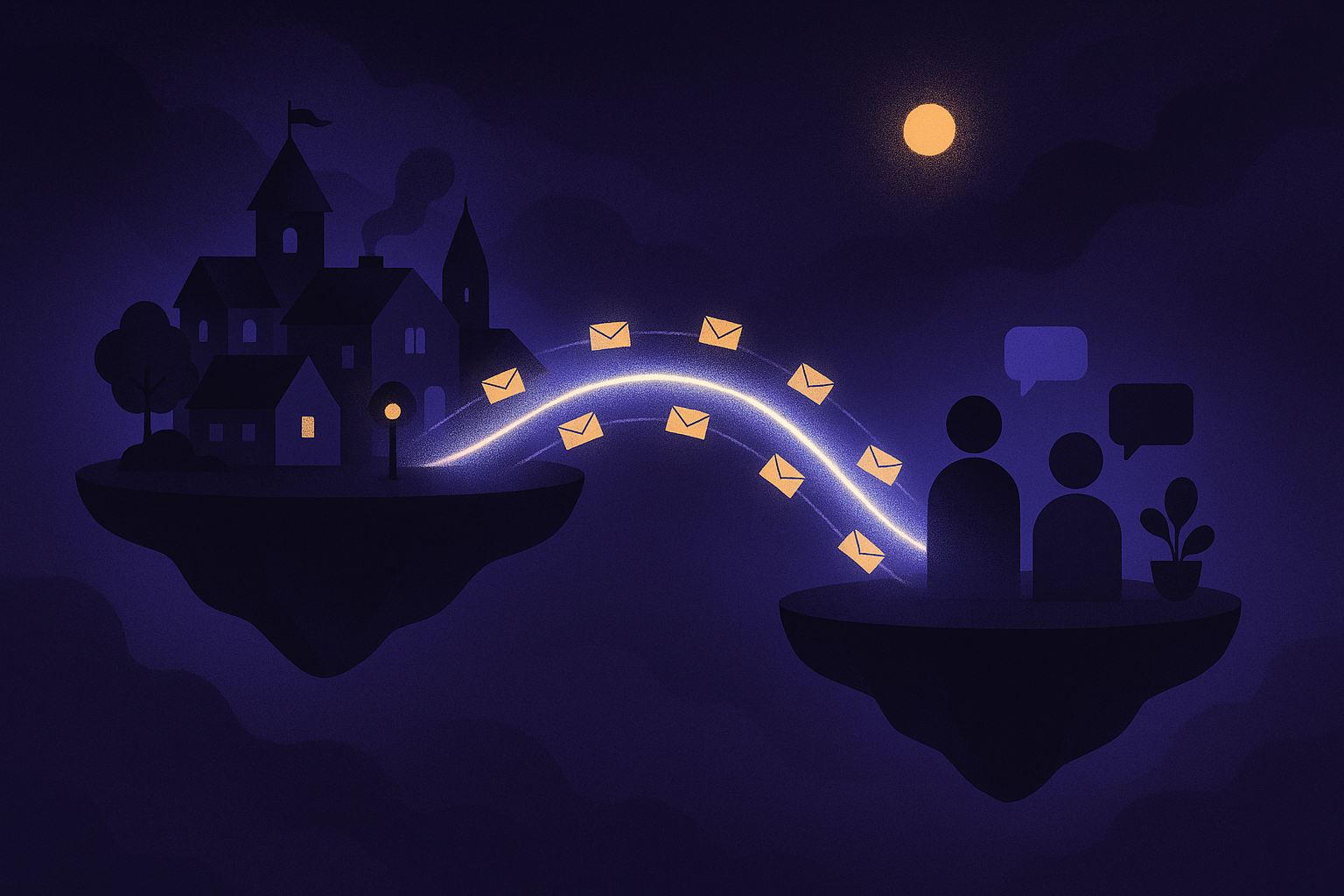
Every active Second Life community eventually discovers the same problem: half its life happens in-world and the other half happens on Discord, and the two halves cannot hear each other. Staff miss customers because they were on Discord; Discord goes quiet because everyone is in-world. A Discord bot for Second Life stitches the two together, and in 2026 there are four real ways to build that bridge, from a five-dollar scripted gadget to a no-code relay with a true two-way channel.
Here is the complete picture.
What a Discord bot for Second Life actually does
At its simplest, it is a messenger between worlds. The useful jobs cluster into four patterns:
- Event relay (in-world to Discord). Local chat, arrivals and departures, IMs, teleport offers, friend requests, and periodic traffic snapshots posted into Discord channels as they happen. Your staff see the store's pulse without logging in.
- Two-way bridge (Discord to in-world). Messages typed in a chosen Discord channel are spoken in-world by your avatar. Someone asks a question at the store; your manager answers from their phone in Discord; the avatar says it in local chat.
- Notifications. The narrow, high-value version of relaying: only ping Discord when something matters, a visitor arriving, an IM landing, a moderation incident.
- Support routing. Customer requests collected in-world and forwarded to a team; SmartBots, for example, offers a support-bot pattern that integrates with Discord this way.
Why communities bridge the two
Second Life is where the experience happens; Discord is where the community coordinates. Bridging them means:
- Coverage without presence. Staff answer in-world questions from wherever they already are. Combined with an avatar that stays online 24/7, the store is both staffed and supervised.
- A memory. In-world chat scrolls away; relayed chat becomes a searchable Discord history.
- One place to watch everything. A club with three venues, or an owner with several avatars, reads it all as channels in one server.
- Faster escalation. When an AI host hits a question it should not answer alone, a ping in Discord brings a human in minutes.
The four ways to connect Second Life to Discord
1. Marketplace relay gadgets (LSL scripted objects)
The Second Life Marketplace sells in-world relay devices for a few dollars that push open chat to Discord and add extras like server-join invitations and region reports. You rez the object on your parcel, configure it with your webhook, and it relays what happens around it.
Good: cheap, self-contained, no external account. Limits come from the medium: an LSL object relays where it is rezzed (so it needs land permissions), covers the feeds its script covers, and its uptime is tied to the region and the script's health.
2. Open-source relay bots (GitHub, self-hosted)
Projects on GitHub, such as Discord-to-Second-Life chat relays, connect in-world groups or chat with Discord channels. You run the bot yourself: create a Discord application, host the process somewhere, wire up credentials on both sides.
Good: free, inspectable code, fully yours. The cost is operational: you are hosting, patching, and reviving a service. If you enjoy that, it is a fine weekend project; if you do not, it is a second job.
3. Bot-service integrations
Hosted bot platforms integrate Discord into their own bot offerings. SmartBots' support bot, for instance, can receive customer requests in-world and forward them toward your team, meshing with Discord workflows. If you already use a hosted bot service for group tools, check what its Discord side covers; it may be enough.
4. Built into the client (Thunder Viewer)
Our approach folds the relay into the Second Life client itself, so there is nothing extra to rez, host, or subscribe to, and nothing to script:
- Eight feeds, each optional: local chat, arrivals and leaves, a periodic traffic snapshot, group chat, bot activity, direct IMs, teleport offers, and friend requests.
- One bot, both directions: add the Thunder Viewer bot to your Discord server and pick a channel. No bot of your own to build, no token to paste.
- A true two-way bridge: messages posted in that channel are spoken in-world by your avatar, so staff reply from their phones.
- Privacy by default: the direct-IM feed is off unless you turn it on, and it is labeled private in the UI, because relaying personal IMs is a decision, not a default.
- An activity log: everything the relay sent, inspectable after the fact.
Because the relay rides your avatar's session rather than an object in the region, it goes where the avatar goes and needs no land permissions at all.
How to set it up (the no-code version)
Using Thunder Viewer as the example (the step-by-step setup guide walks through every screen):
- In Discord: create a channel for your avatar, for example #store-feed.
- In Thunder Viewer: open Manage Discord and click Add Thunder Viewer to your Discord. Approve it for your server on Discord's page.
- Pick the channel from the dropdown, then tick the feeds you want. Start small: arrivals and IMs are the two that earn their keep immediately.
- For the two-way bridge: switch on talking back. Whatever gets posted in that channel now speaks in-world as your avatar.
- Save, turn the relay on and talk to yourself. Say something in local chat, watch it land in Discord; reply in the channel, hear your avatar say it. Two minutes, no LSL, no server.
Best practices
- Lock the bridged channel down. Anyone who can post in that channel speaks as your avatar in-world. Restrict it to staff roles, always. This is the single most important line in this guide.
- Relay less than you think. Start with arrivals and IMs. Full local chat from a busy venue is a firehose; add it only if someone will actually read it.
- Tune the traffic snapshot. A visitors-per-interval summary every 15 minutes tells you the story without the noise; tighten it for events, loosen it for quiet weeks.
- Keep DM relaying consensual. If you enable the direct-IM feed, treat that channel as confidential and staff-only. Private conversations deserve private handling.
- One channel per avatar or venue. #store-feed, #club-feed. Future you, searching for that one conversation, will be grateful.
Common mistakes
- Confusing webhooks and bots. A webhook can only post into Discord. Speaking into Second Life from Discord needs a bot that reads the channel. If you build your own setup, they are different mechanisms; a client-integrated bot does both.
- Leaking a token or webhook. Either one in the wrong hands means someone else posts as you. Treat them like passwords; regenerate them if they ever leak.
- Bridging into a public channel. See best practices; it bears repeating.
- Relying on a rezzed relay after a region restart. If you use an LSL gadget, check it after region maintenance; scripted objects can need a nudge. Session-based relays sidestep this.
FAQ
Can Discord connect to Second Life?
Yes, in both directions. In-world events (chat, visitors, IMs, teleports) can relay into Discord channels, and with a two-way bridge, messages from a Discord channel can be spoken in-world by your avatar.
Do I need to know LSL scripting to bridge Second Life and Discord?
Not anymore. Marketplace gadgets require rezzing a scripted object, and open-source relays require self-hosting, but client-integrated relays like Thunder Viewer's are pure configuration: add the bot, pick a channel, tick the feeds you want.
Can I reply to Second Life from Discord?
Yes, with a two-way bridge: add a bot that reads a chosen channel, and posts in that channel are spoken in-world by your avatar. Lock that channel to staff, since whoever can post in it speaks as the avatar.
Is relaying IMs to Discord private?
Treat it with care. Direct IMs are personal, which is why a well-designed relay keeps that feed off by default and clearly labeled. If you enable it, restrict the destination channel to people who genuinely need it.
What should I relay first?
Arrivals and direct IMs. Together they answer the two questions every owner asks: is anyone at my store, and is anyone trying to reach me? Add local chat, group chat, and traffic snapshots once you know you will read them.
Does the relay keep working when I close my browser?
With a session-based relay, the relay lives as long as the avatar's session does. Pair it with a stay-online session and the answer is yes: your avatar stays in-world with the relay running, and Discord keeps receiving events while your computer is off.
Can I bridge Second Life group chat to Discord?
Yes. Group chat is one of the relayable feeds, which is exactly what community managers use it for: the in-world group and the Discord server finally read the same conversation. The open-source GitHub relays were built around this use case, and client-integrated relays cover it with a checkbox.